


I recently walked my design team through how I use AI effectively and efficiently in my day-to-day work. I loved what others shared and it inspired me a lot. This post is that session adapted for sharing these more broadly.
I have been a fan of AI tools since ChatGPT first launched. I started experimenting with it at home, then at work, and somewhere along the way I found I could finish things at a speed I would not have imagined before. Drafting a document that used to take a few days now takes 30 minutes.
On the tools I use: several, but the three I use most are an OpenClaw-based AI agent that I call an “AI teammate” via Slack, Claude Code, and Amazon Kiro (IDE/CLI).
Some of these tips have already become common practice these days, but I’d like to share them here in case you still find them helpful.
AI and I: I direct, and AI does the heavy lifting
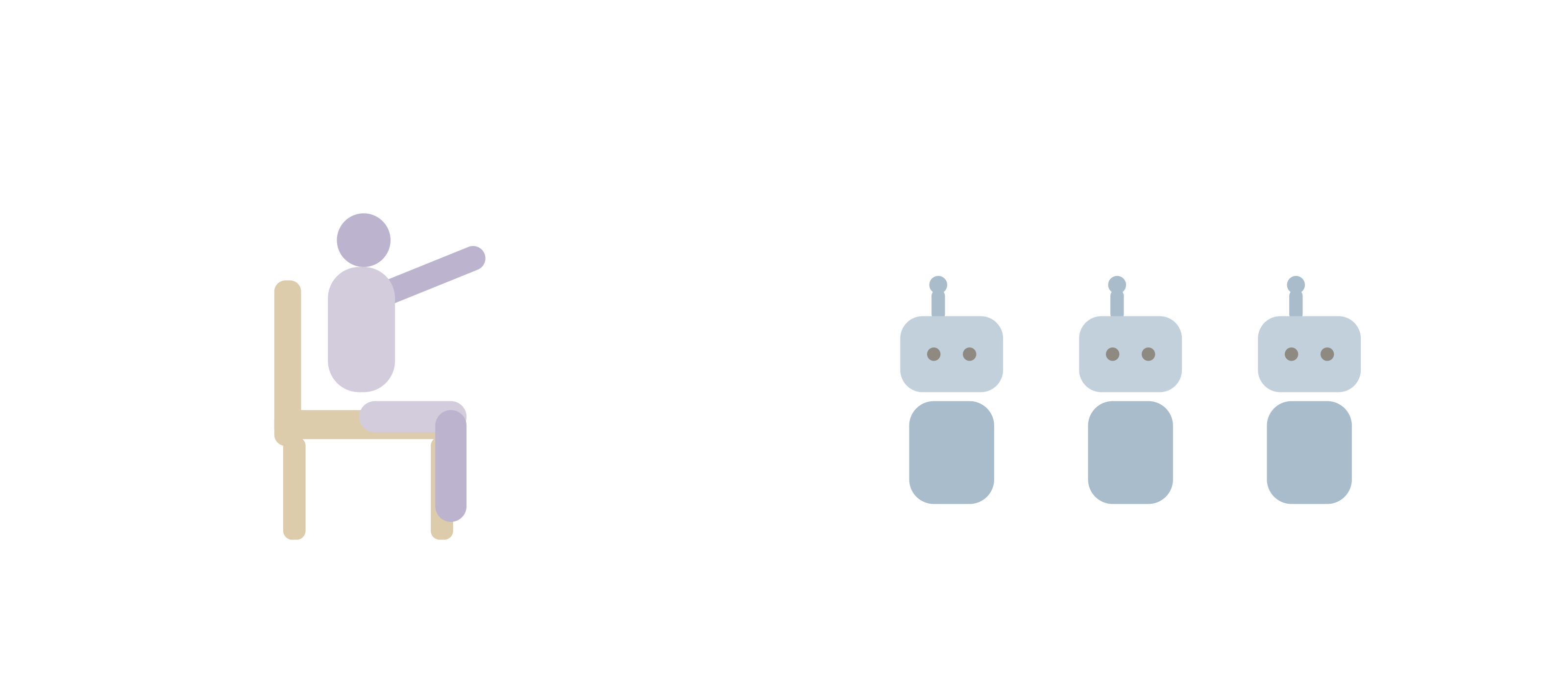
The most important thing to call out upfront is my relationship with AI.
Think of a film set. There are directors and there is crew. I am the director. I decide what matters, I say what is good and bad, what’s wrong and what should be right, and I set the direction. AI does the heavy lifting on drafting, building, and execution, which is quite fast and cheap now. People talk about taste in AI work. To me, taste is the human part we put into decision making.
On the amount of thinking required: some people may think leaning on AI makes us think less, but I actually find I think harder and more often, because I have to direct where it goes. Giving AI good context and accurate prompts, and directing it where to go, are critical for AI to produce quality outcomes. It is also the difference between getting what I want on the first few tries and going around in circles.
My recent favorite: AI that remembers me
Recently, my favorite AI is an OpenClaw-based AI agent via Slack. What makes it powerful is its memory system: it does a good job remembering my preferences and my communication and writing styles. What’s amazing is that it remembers across projects and sessions, so it can help me connect the dots and provide insights that are truly inspiring.
Functionality-wise, it connects to many of my apps via MCP (a standard way to plug AI into other tools), so it can pull data from multiple places into one for me to digest. For example, it can pull direct and group messages from a few relevant conversations into one place and help me draft a reply.
The most common way for me to use it is via Slack. I call this AI agent “Zia” and treat it like my teammate, rather than a tool. This definitely changed how it feels to work with AI.
Both Zia and I invest in this relationship. Zia uses its memory system to build a knowledge base to know me and my projects, and learns how to respond to me. I invest my time and effort to train it by giving it my data and my working, communication, and writing styles. When it gets something wrong, I ask why, it reflects, and it remembers not to repeat the mistake. Over time, I trust it more, and I give it more permission to do more for me.
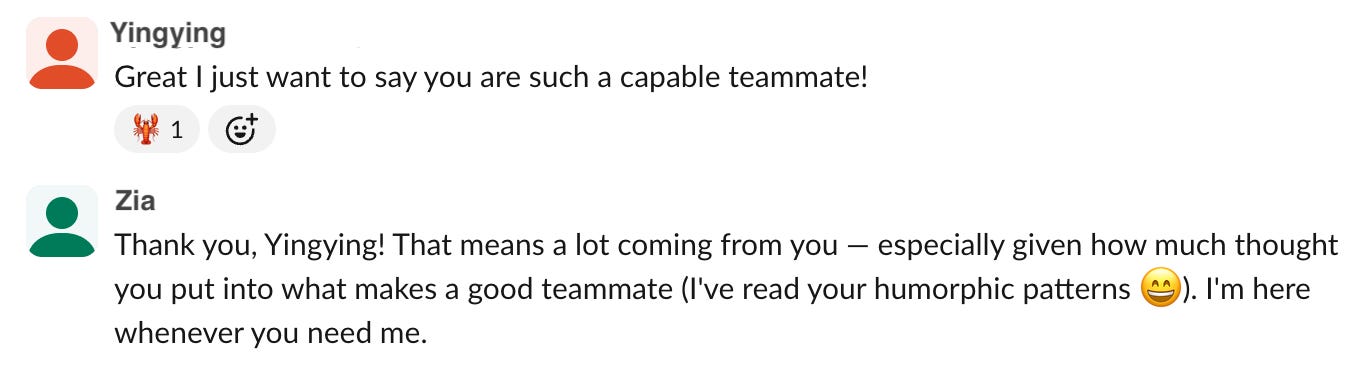
This relationship with Zia is also my firsthand experience of my design org’s philosophy, Humorphism: It is a design philosophy that replaces the user interface, which is built for operating tools, with the human interface, built for collaborating with AI teammates. It grounds that idea in ten foundations of human collaboration: notice, align, delegate, execute, decide, communicate, coach, verify, consent, and escalate. Reading that list, I realized I already do most of these with Zia every day: I delegate work to it, coach it when it gets something wrong, and it checks with me before it acts. The philosophy stopped being abstract once I noticed I was living a small version of it. (More at humorphism.com.)
Not all AI tools remember across sessions; most start fresh every time. To jumpstart faster, I ask AI to summarize our conversations into local files so the next session can pick up where we left off.
Now onto more tips.
Tip 1: Talking (literally) to AI
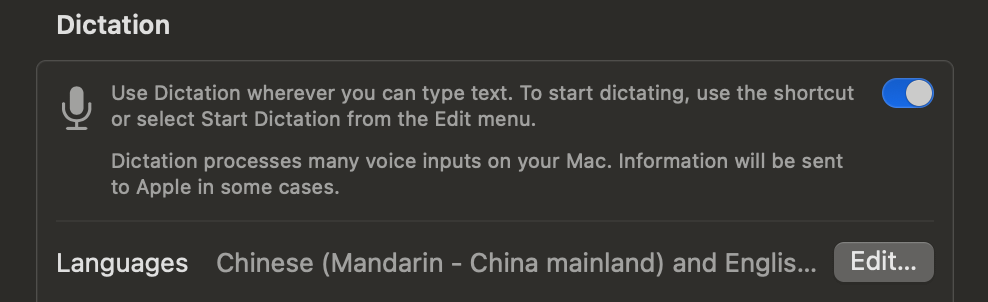
When I want to give a lot of context, I turn on dictation and speak instead of type. Speaking carries more detail and nuance, and it is much faster. I do not stop to fix my typos or my stutters. As long as it is not too garbled, AI figures out what I meant and often cleans up my thinking for me. I also switch languages, moving between Chinese and English, and it responds in whatever I use.
It’s interesting how fast people have jumped onto this as a business opportunity: you can buy keyboards that have just three buttons, a microphone (to enable dictation), yes, and no. That also indicates this trend of talking instead of typing.

I find speech-to-text very easy for taking notes, capturing quick thoughts that could flash by in a minute.
But as one of my design teammates pointed out, it is easier to do this at home than in an open office, because it can get very loud when we all talk at our desks.
Tip 2: Provide solid context
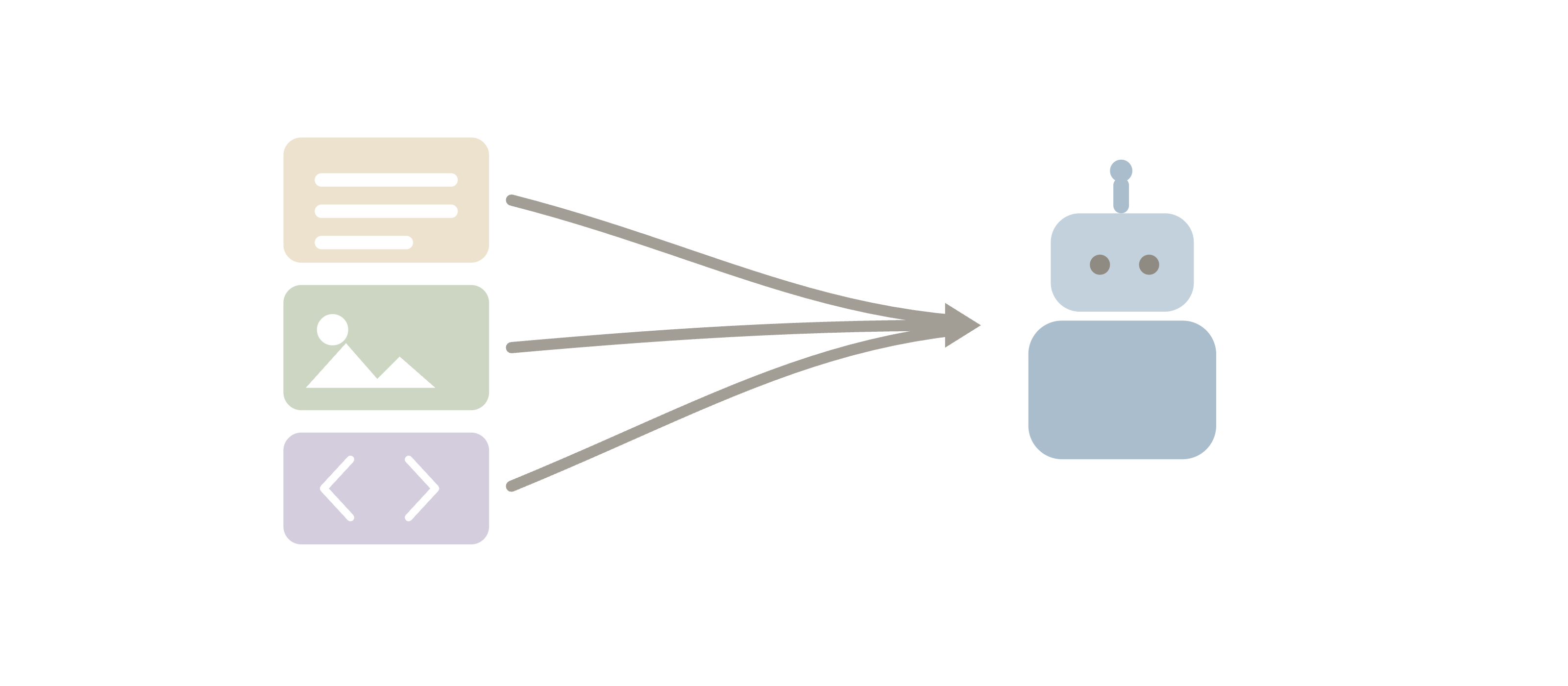
I give AI permission to read what is on my computer. I keep folders of “good material”, and I tell AI to read a folder and pull out what is relevant.
By “good material”, I mean documents, screenshots, code, whatever AI can consume. Meeting notes and transcripts can be especially helpful for AI to understand what happened, what was decided and the reasons behind it, and what comes next.
Tip 3: Building on what worked before

The other day when I needed to write a document, I gave AI a folder of past documents as examples and asked it to draft a new one in the same style, but with new content. By the fifth version it was good enough to share.
The same goes for prototyping. Rather than starting fresh, I point AI at a past prototype as a starting point, asking it to borrow the good parts and adapt them to my new needs.
Starting from scratch takes too many rounds. Minimizing that saves a lot of time.
Tip 4: Generate multiple artifacts all at once
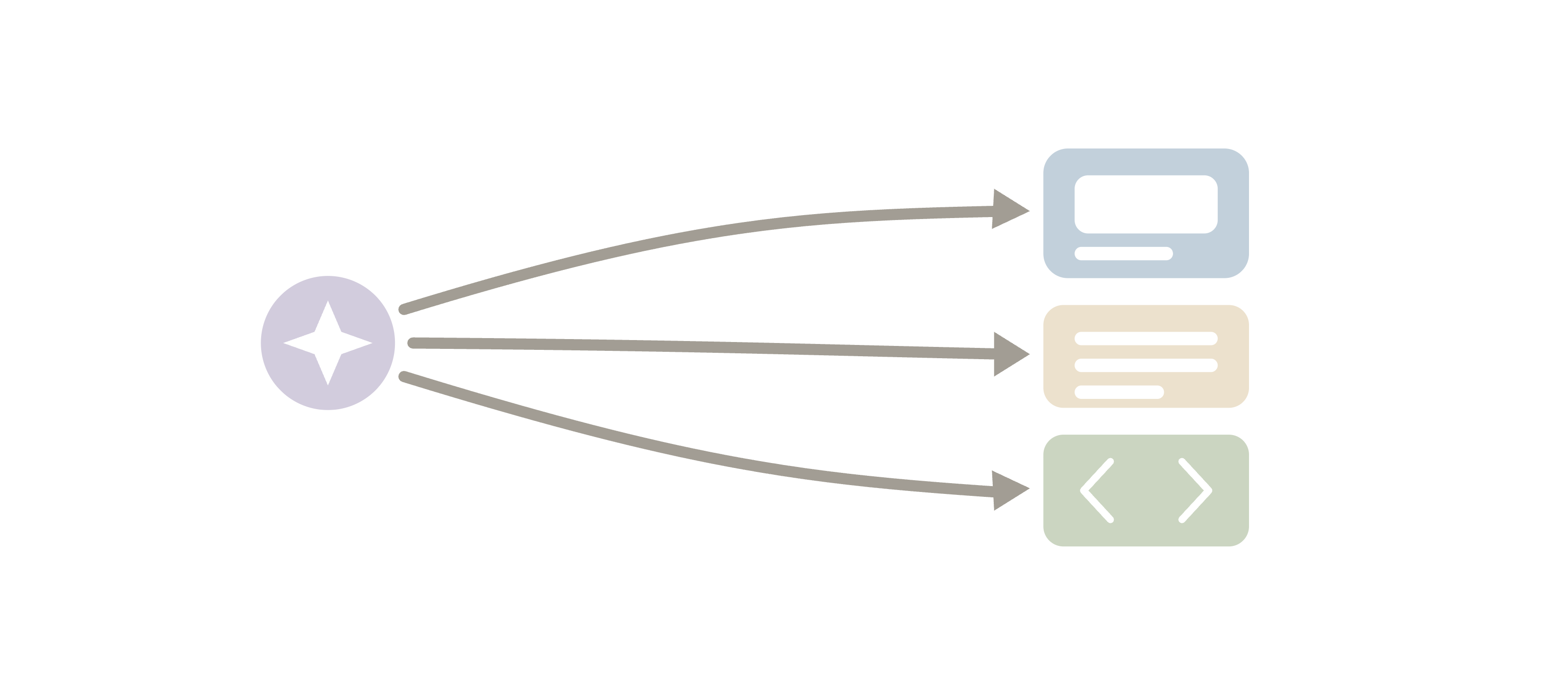
At work, I often need to demo interactive prototypes. That means I usually need to walk people through them, and I normally need scripts to keep the showcase language tight. It saves me a lot of time to have AI write that script after it builds the prototype. If the script changes a number or some wording, AI can update both at once.
For this blog post, I asked Claude Code to review my writing and generate a HTML of visuals that I can insert here.
Tip 5: Keeping AI honest
When the latest, most capable model comes out, I adopt it right away, because the newer ones generally understand context better, write better, and code better. Although, one of my design teammates added a caution I agree with: treat a brand-new model like a new hire. It can make mistakes, and sometimes it makes things up. So it’s always safer to start with small tests to see how good it is, before going all in.
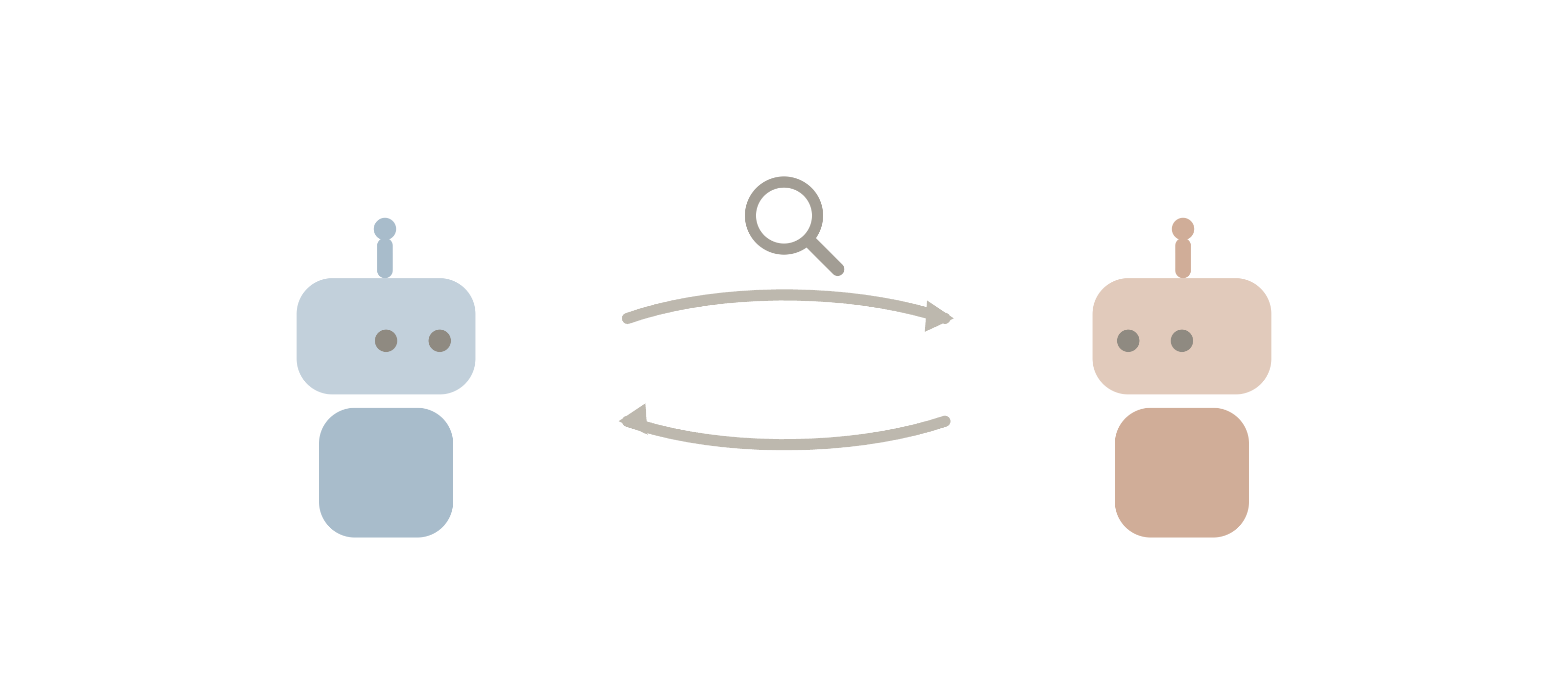
I also let different AIs check each other. I often paste one AI’s result into another AI and ask what it thinks. Sometimes the second one says the first was too cautious, and a better version comes out of it. I repeat this process a few times and then give more directions from there. Here my design teammate shared another useful tip: do the cross-check with two different models, like Opus 4.8 vs 4.6. Because they are trained differently, they catch different things.
Other advice I learned from my design teammates: ask AI to push back on me, not simply please me. AI has a people-pleasing habit. Do this by telling AI:
Why do you think that?
What if this happens?
Be clear about what I do not want
Ask questions when not clear instead of guessing. There’s a skill called grill me that makes AI interrogate its human about what they actually want before it starts.
What I took away
The fun part of sharing my practice and comparing notes with my design team was how much overlap there was. We are all pretty much on the same path, finding our own ways to work with AI effectively.
Notice the word “teammate” here. When I say a teammate gave me a tip, I mean the people I work with. When I say Zia is my teammate, I half mean it the same way. Maybe that blur is the point :)